 Sheafnote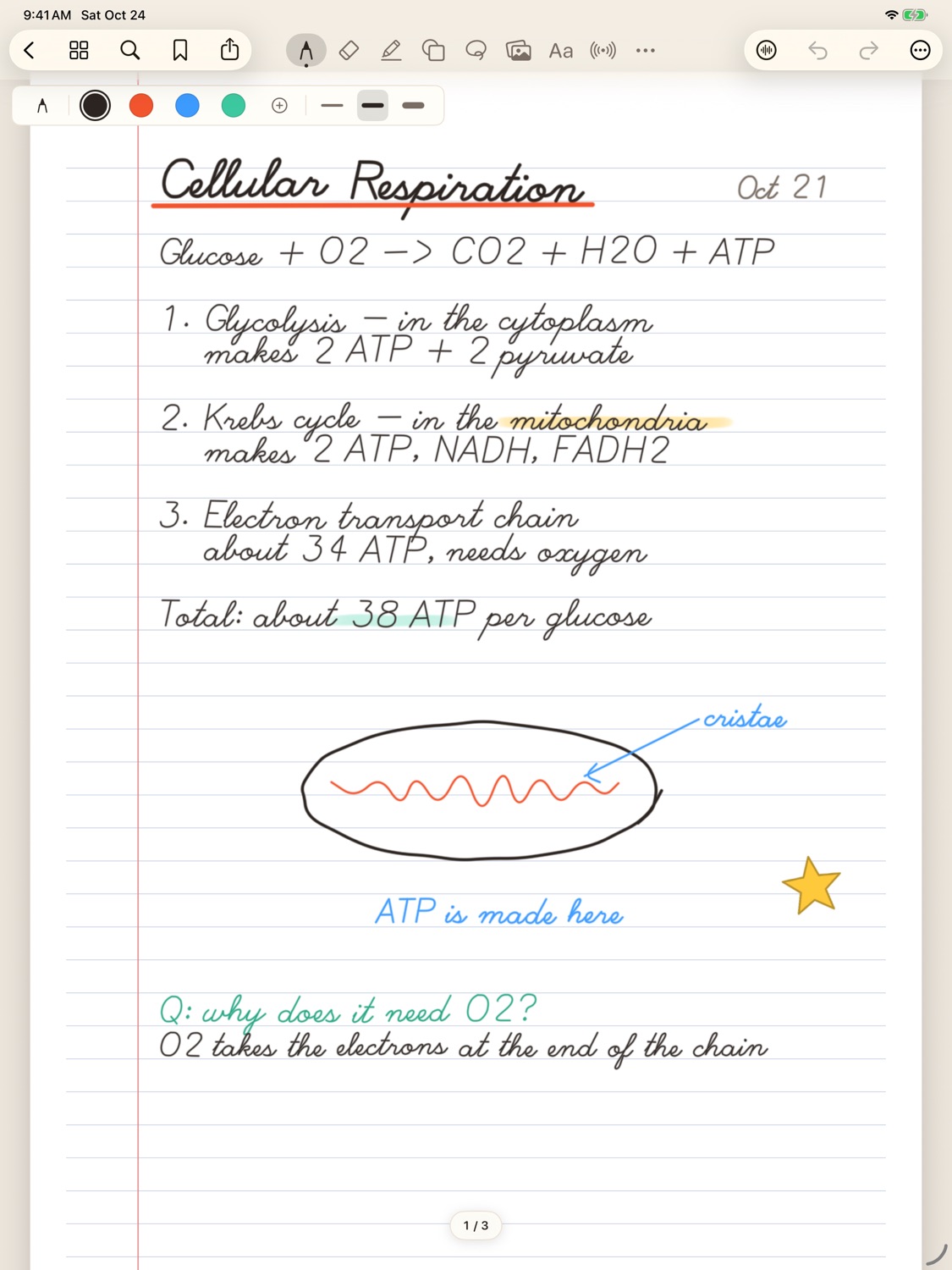
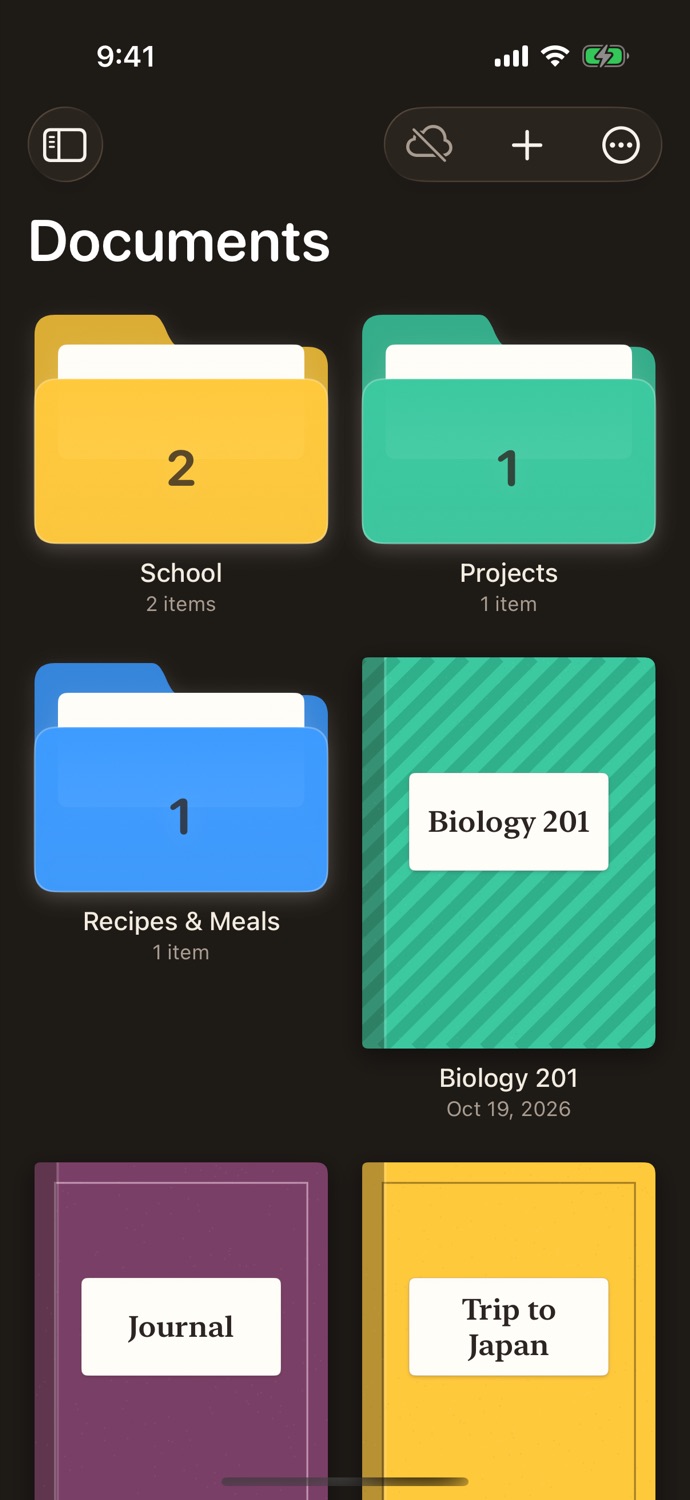
A shelf for every class and project
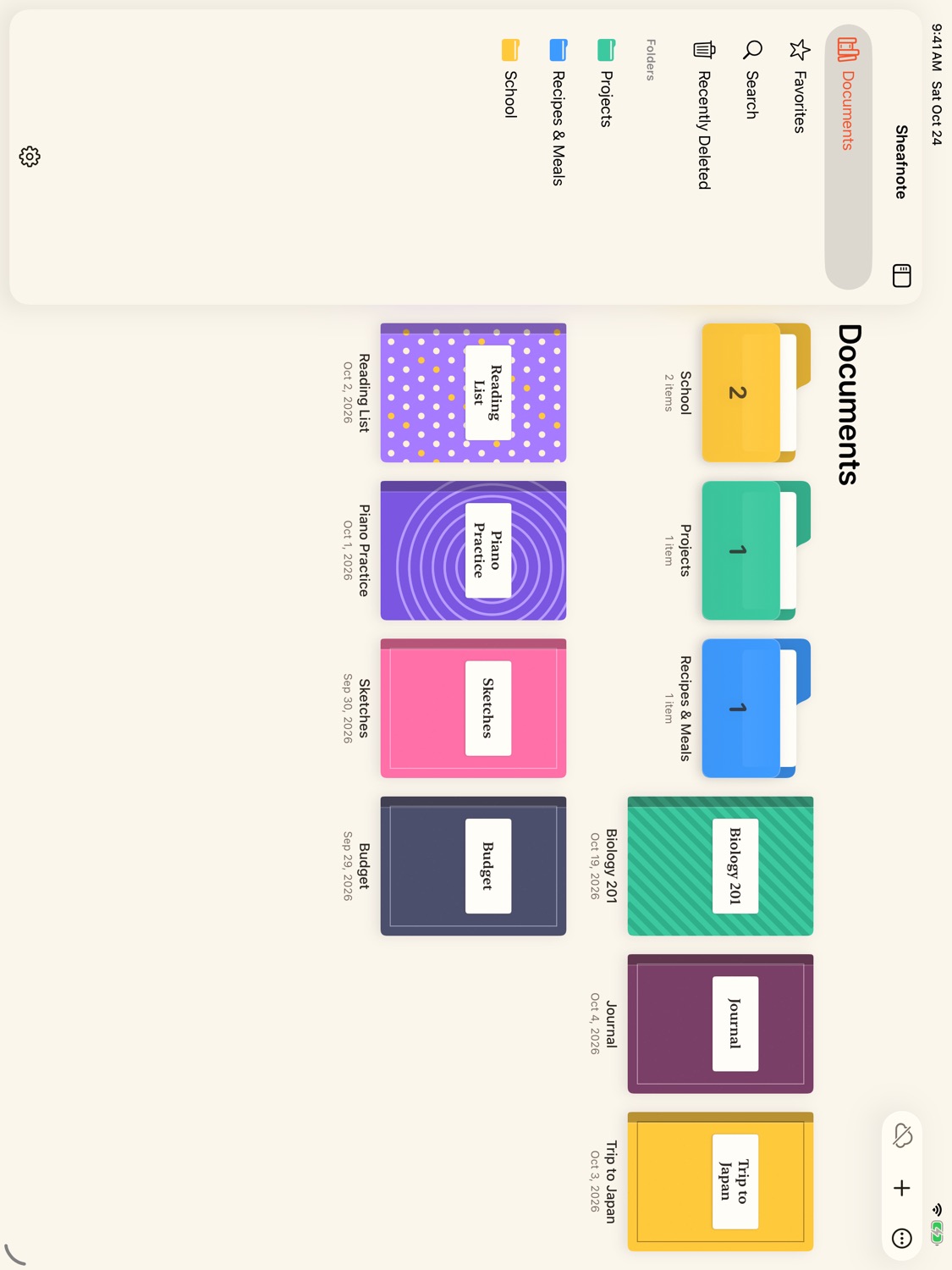
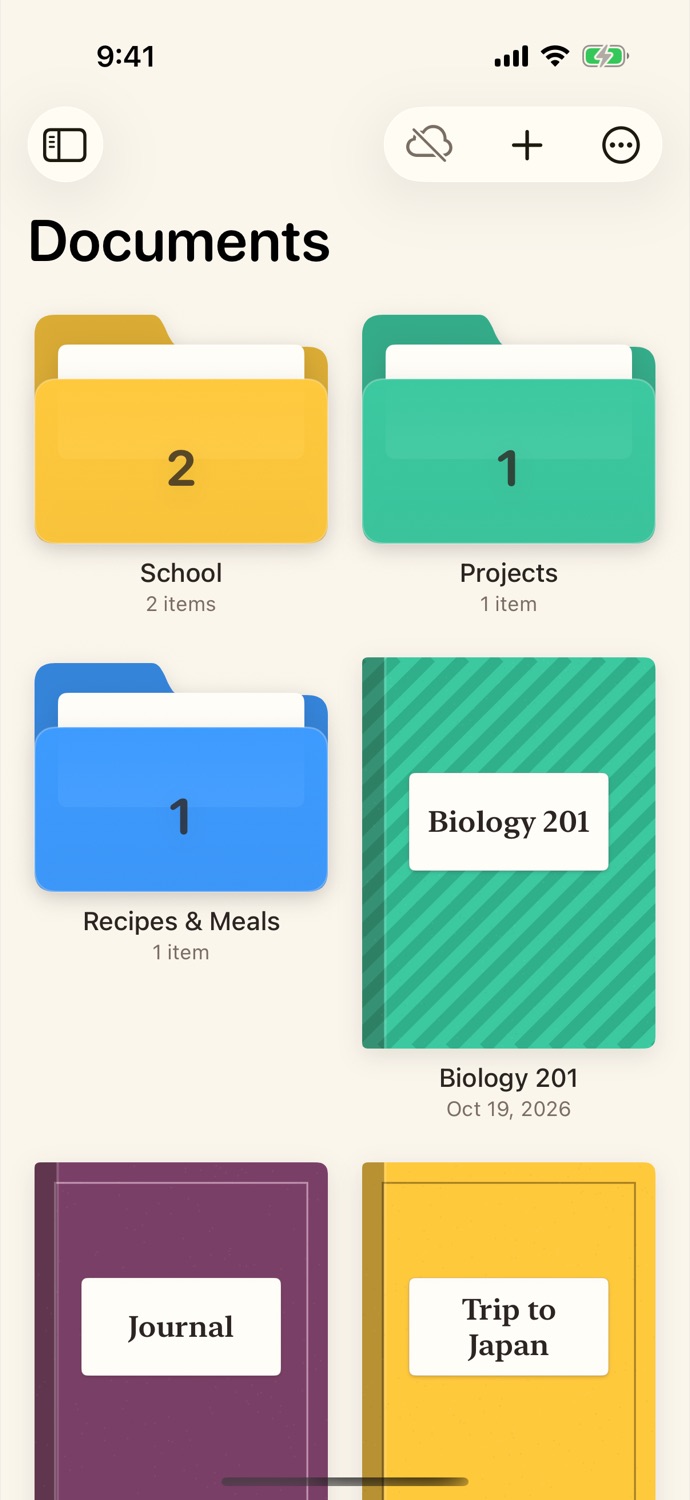
Notebooks with real covers, colored folders, favorites and a Recently Deleted bin, so nothing is ever lost by accident.
- 20 covers, from plain cloth to patterns
- Folders inside folders
- Sort by name, date created or edited
Writes like paper
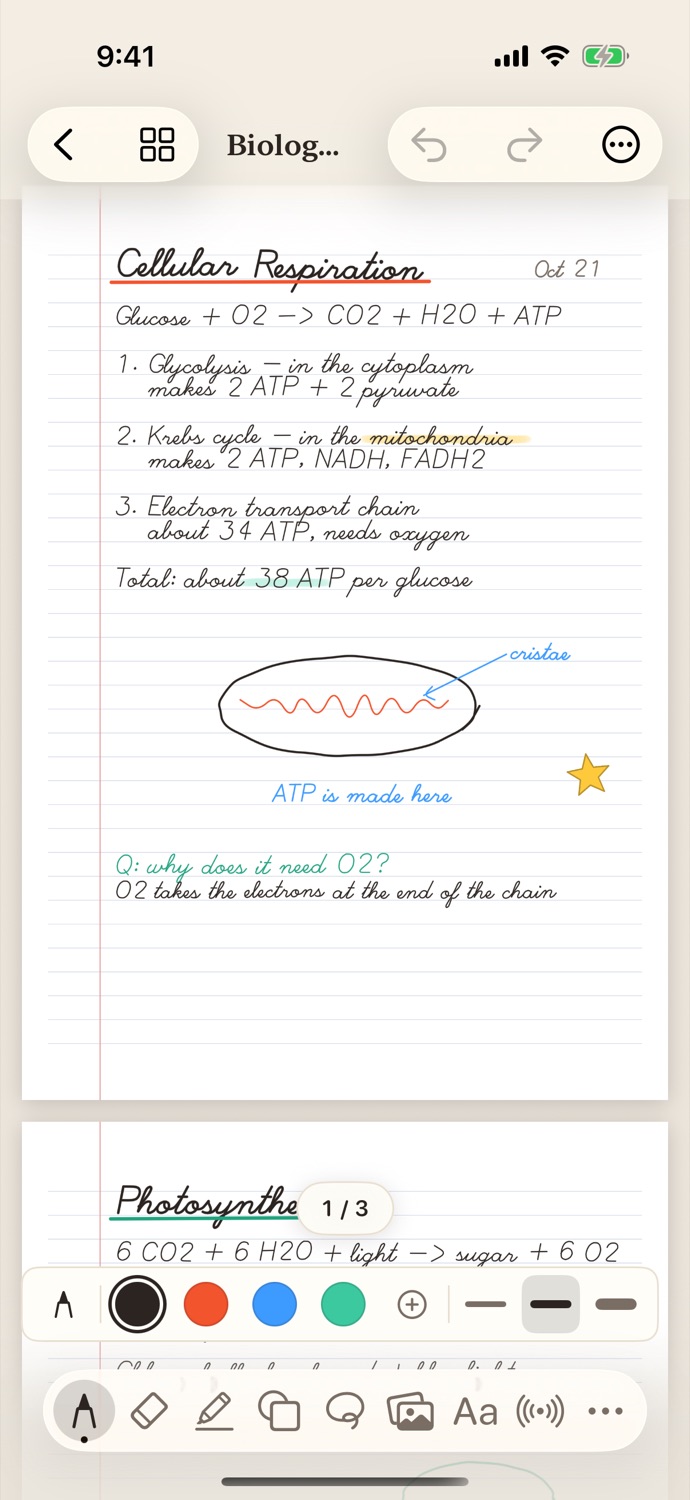
Pen, highlighter, eraser, shapes and lasso, built on Apple's PencilKit, so the ink feels the same as Apple Notes. Pick the paper for each page.
- Ruled, grid, dotted, Cornell, music and planner pages
- Lasso to move, resize, recolor or turn ink into text
- Double-tap Apple Pencil to switch to the eraser
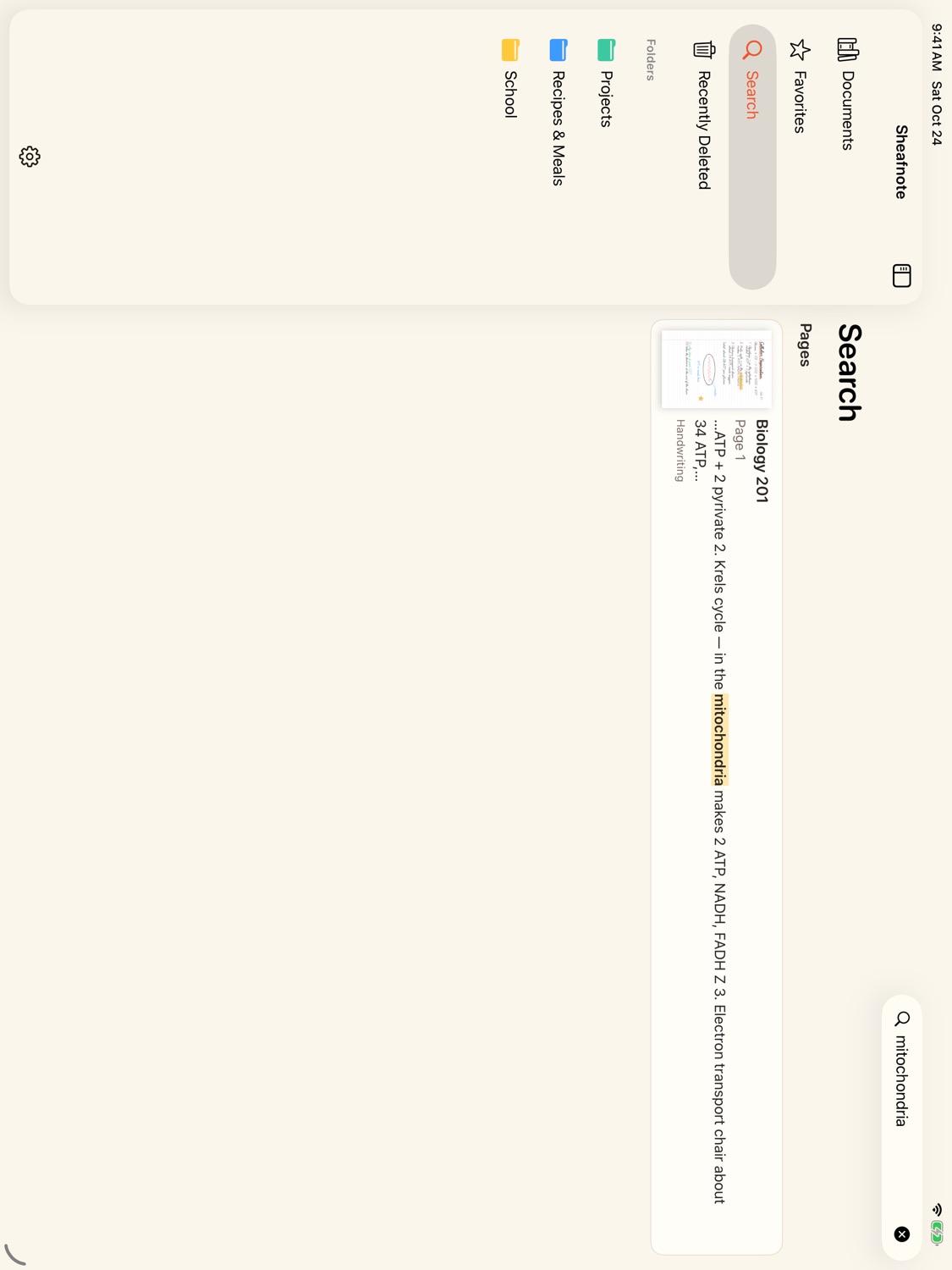
Search your handwriting
Sheafnote reads your writing on the device and makes it searchable, along with PDF text and typed notes. Nothing is sent anywhere.
- Finds words in handwriting, PDFs and text boxes
- Jump straight to the page
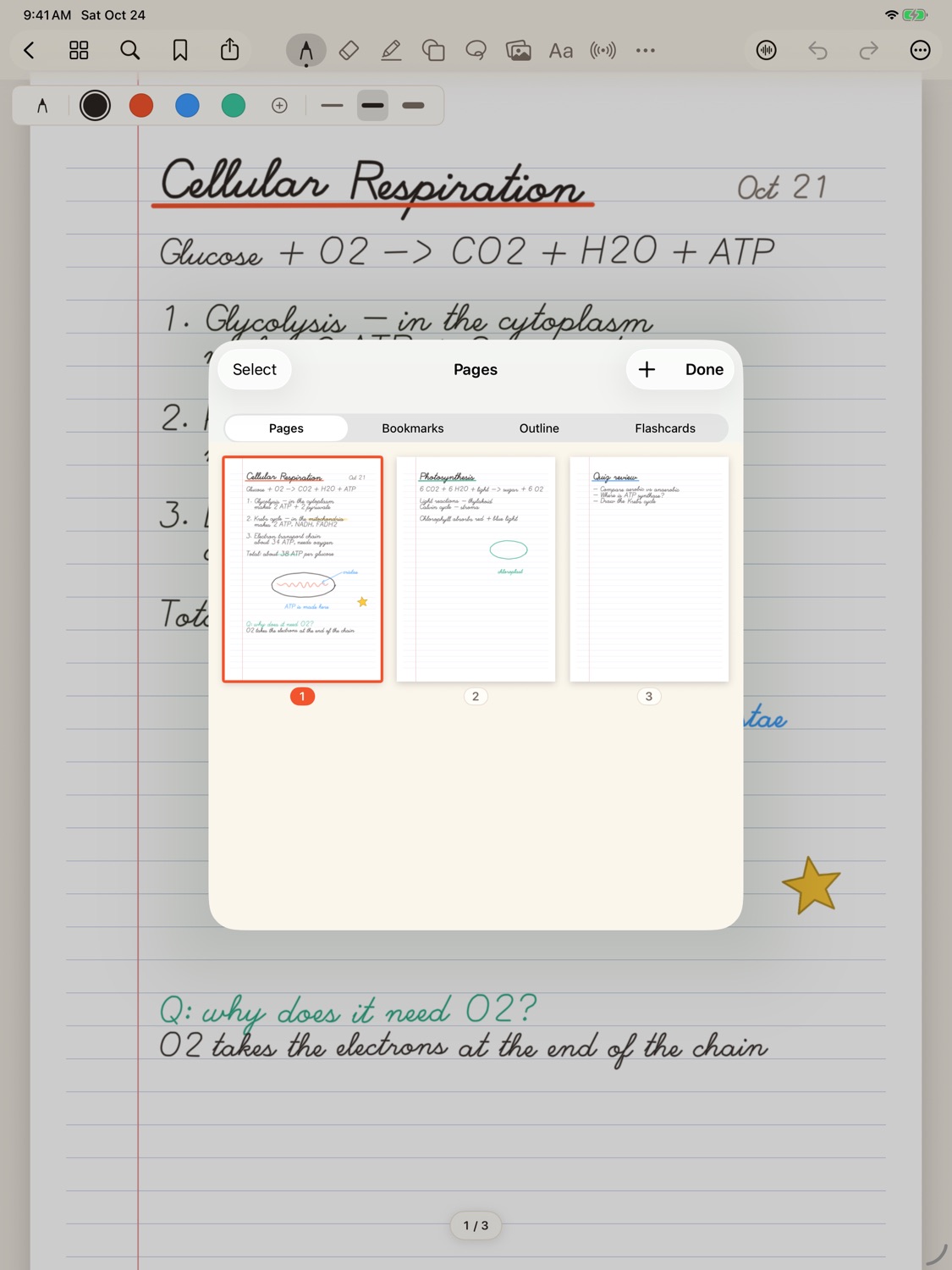
- Bookmarks and an outline for long notebooks
Study from your own notes
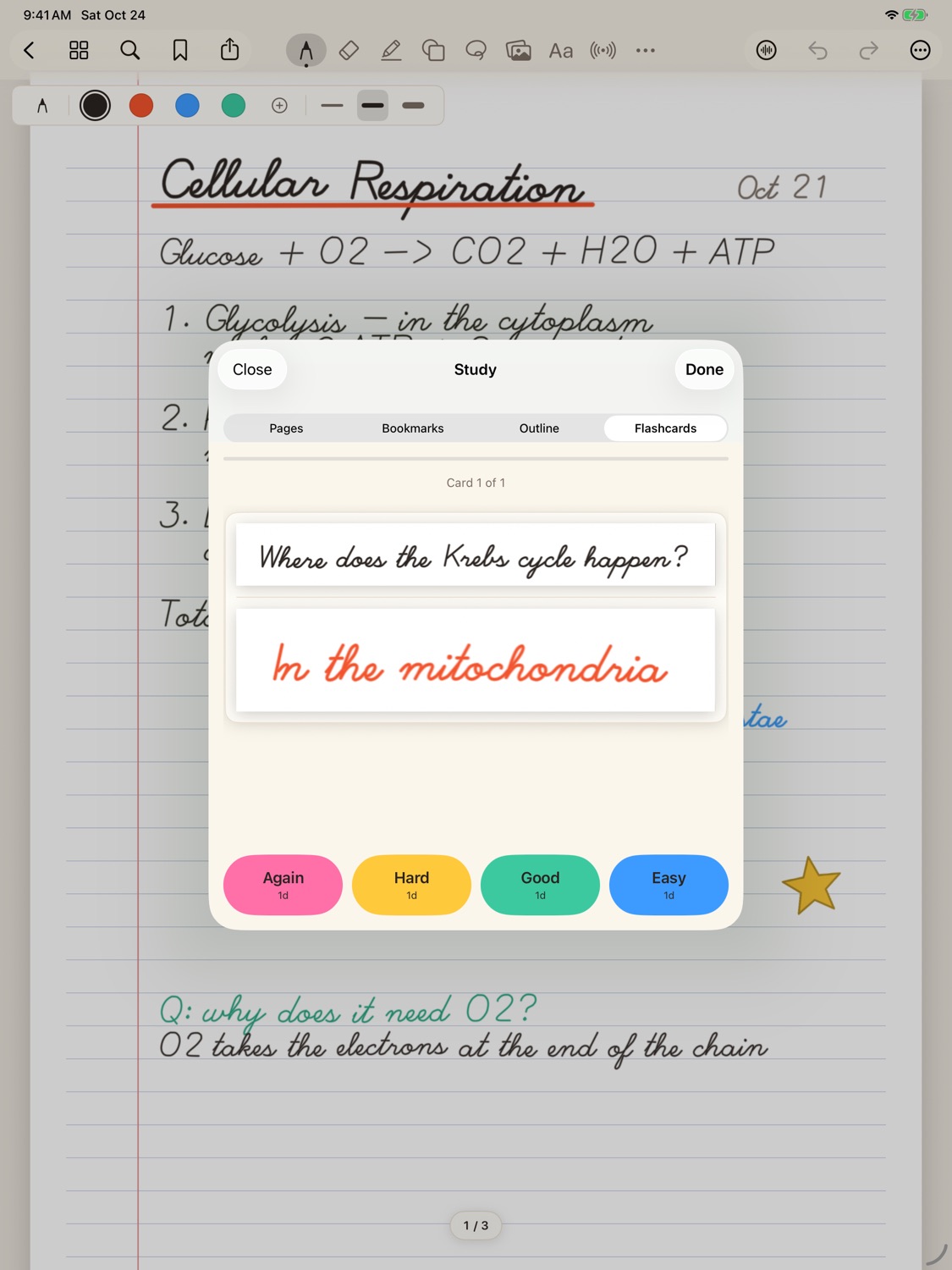
Turn any part of a page into a flashcard and review it with spaced repetition. Cover answers with study tape, or record a lecture alongside what you write.
- Flashcards with Again, Hard, Good and Easy
- Tap-to-reveal study tape
- Record audio, then tap any line to hear what was said as you wrote it
Start any notebook in seconds
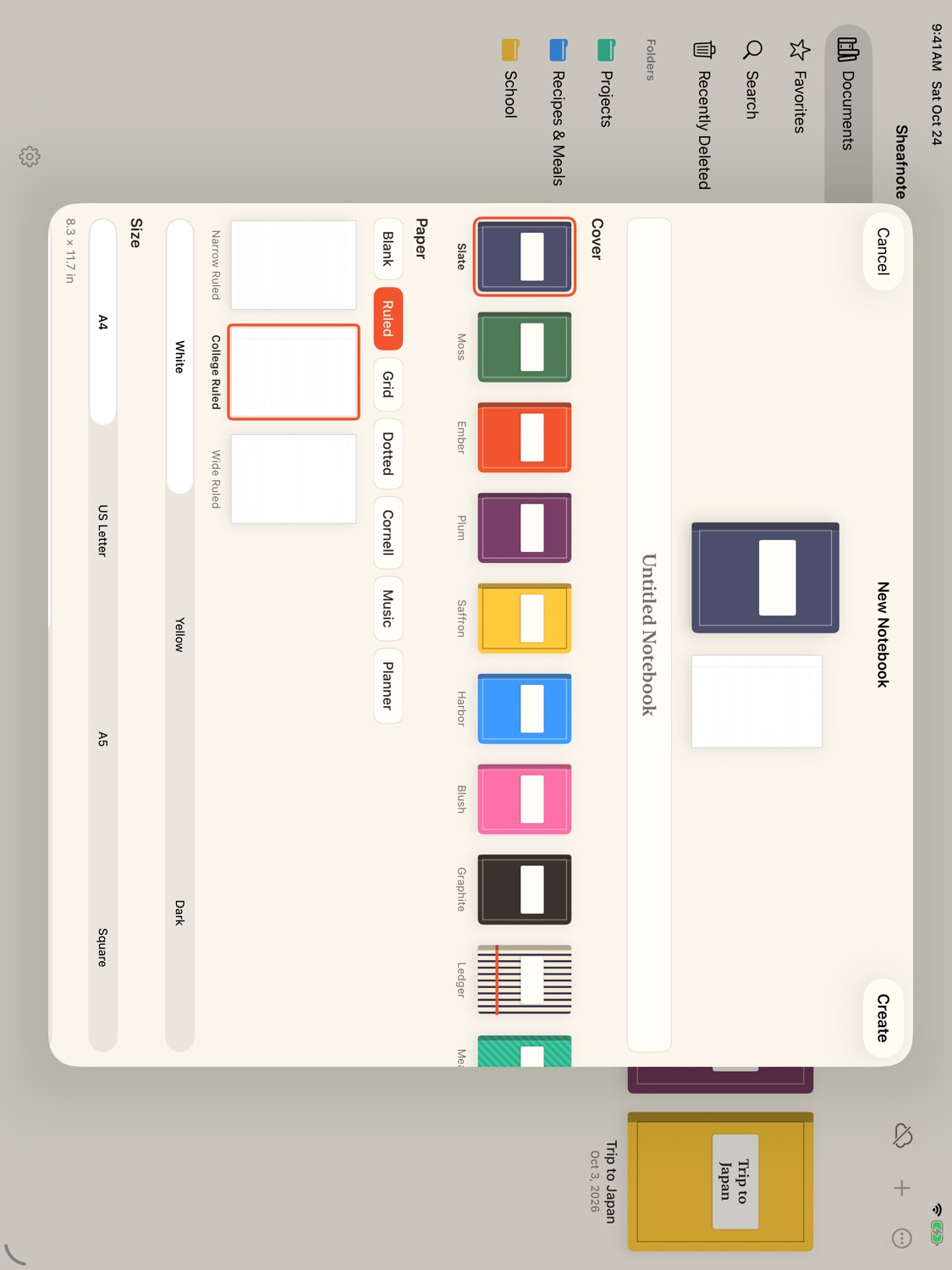
Choose a cover, a paper style and color, and a size. PDFs and images can become notebooks too, then be annotated and exported again.
- A4, US Letter, A5 or square
- White, yellow or dark paper
- Export to PDF or images
And on iPhone
The same library and notebooks, laid out for one hand, in light or dark.
Also in the box
Whiteboards
An endless canvas for diagrams and brainstorming.
Typed documents
Headings, lists and checklists for when typing is quicker.
Present
Show a notebook on a bigger screen, with a laser pointer.
Stickers and washi tape
Shapes, arrows, tabs and tape, or save your own.
Zoom window
Write large in a strip and it lands small on the page.
App lock
Lock the app or single notebooks with Face ID.
Backups
Export the whole library to one file you can keep.
Side by side
Open two notebooks in separate windows on iPad.
Your notes stay yours
No account
Open the app and start writing. There is nothing to sign up for.
No ads, no tracking
Sheafnote has no analytics and sends nothing about you anywhere.
On your device
Notebooks live on your iPad and iPhone. Handwriting is read on the device too.